

Send your question by email
For a question before using BuyerSpotter, describe your business, the kind of request you want to find and the sources you plan to use. We can use that context to discuss the product's fit and limits.
Before writing, you may find the answer in the user guide FAQ or the guides library. About BuyerSpotter describes who runs the product.
For a setup or scan issue
First check the user guide’s troubleshooting steps. Include your BuyerSpotter version, the affected network, what you expected to happen and the status or error shown. If timing matters, include when it happened and your time zone.
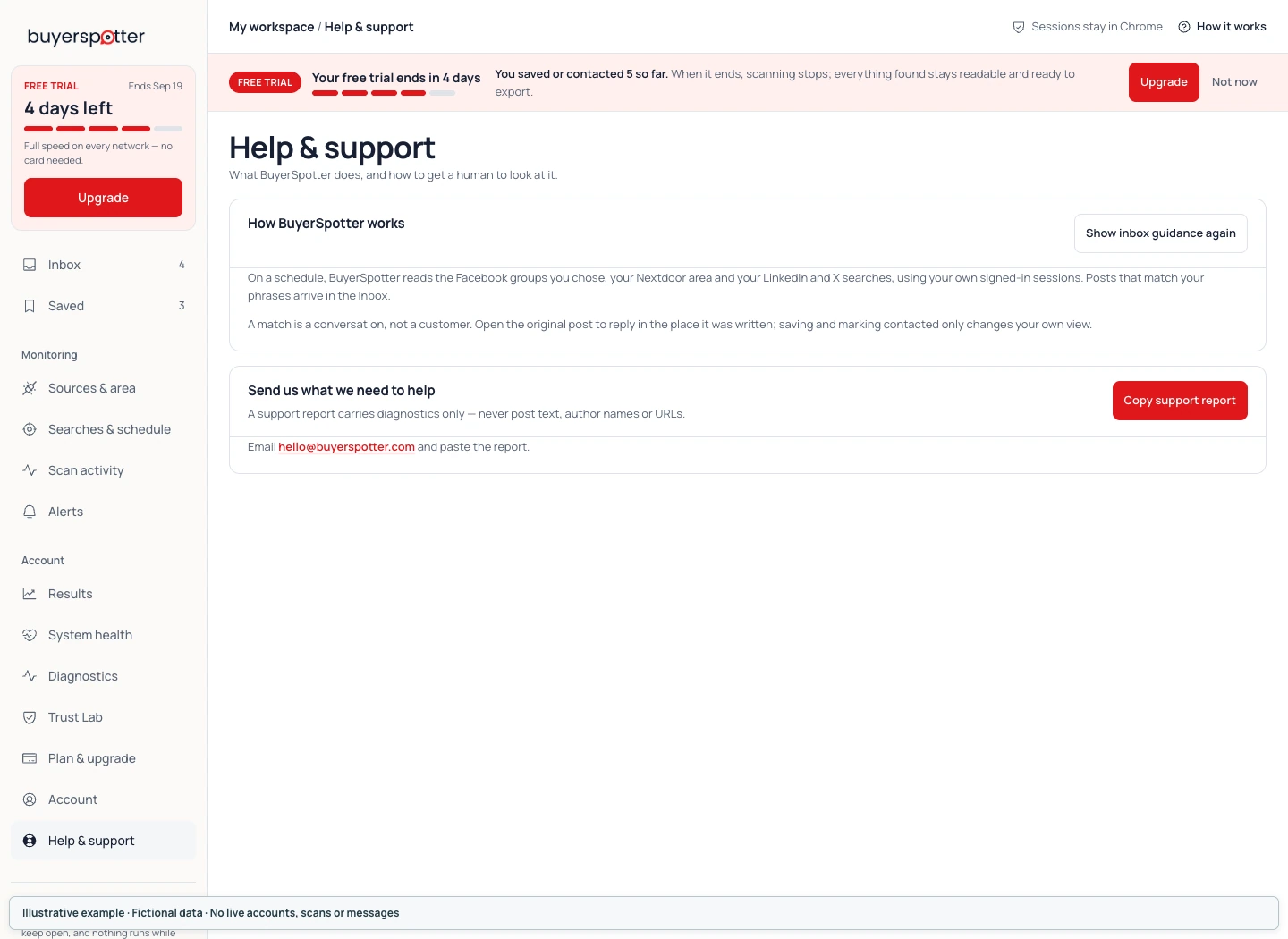
A screenshot can help explain the problem. Remove passwords, API keys and unrelated private information before sending it. An empty result list and a scan that did not finish are different issues, so the exact status is useful.
For a billing or refund question
Include the email used for the purchase and the order reference. Do not send payment-card details. You can manage future renewals on the BuyerSpotter billing page.
Read the Refund Policy for refund information and the pricing page for current plan limits.
For a privacy question
Use the same email address and describe whether your question concerns the website, extension storage or connected alerts. The Privacy Policy explains these parts of the product.