

Your account determines what is accessible
BuyerSpotter reads through the network sessions you are already signed into. It cannot open a private group you have not joined or reveal content hidden from your account. You choose the available sources and remain responsible for following their rules.
The extension does not ask for your network passwords. Keep account sign-in on the network itself. Platform access and page changes can affect a check, so review the status when a source is unavailable.
Your inbox and settings are stored in the extension
Saved matches, match explanations, source choices and extension settings are stored locally in your browser's extension storage. Removing the extension removes that local storage, subject to your browser's behavior.
Two active installations are included in Premium. That limit does not mean the two browsers share an inbox or synchronize their local data.
The public website's analytics do not receive post content, monitored-source names or the contents of your BuyerSpotter inbox. The Privacy Policy describes website analytics and consent separately.
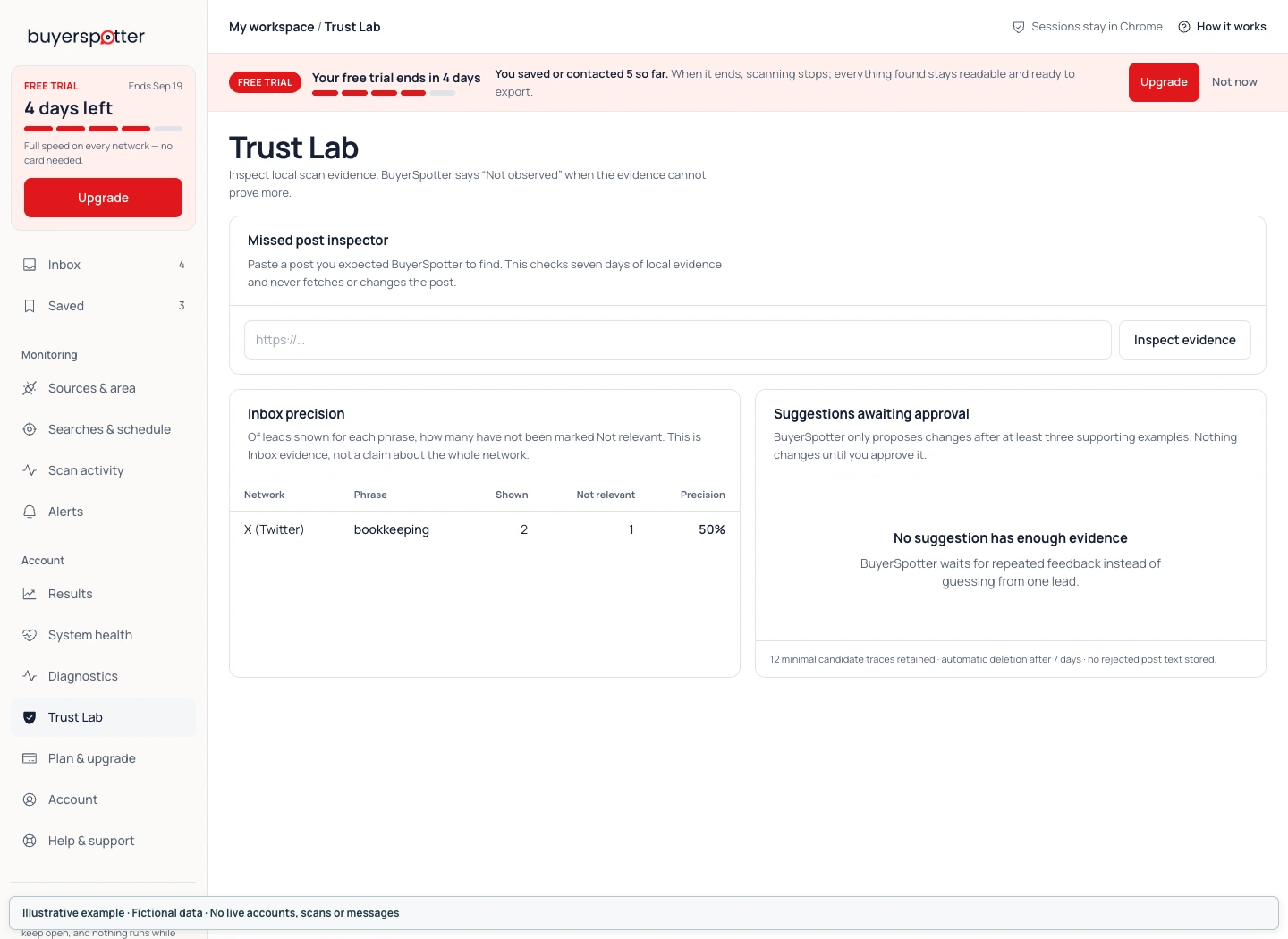
Matching runs locally; connected alerts have a separate data path
The current version uses keyword matching, exclusions and rule-based request signals. It does not offer an active AI integration or send posts to an AI provider. A match reason is not a verified assessment of budget, location, integration requirements or likelihood of buying.
If you connect Telegram or webhook alerts, selected match details are sent through the BuyerSpotter account service to that destination. These can include a short excerpt, source, platform, original URL and matched phrase. Local inbox storage does not mean no information ever leaves your browser. Connect an alert destination only if it is appropriate for the source content.
Before enabling a destination, read the alert setup and delivery checks for the available channel controls and the difference between a connection, an enabled channel and a received message.
A match explanation helps you inspect the result
Review the exact request, source and timing before deciding whether to reply. A matching phrase can appear in an unrelated discussion, and a request may have been resolved after it was collected.
BuyerSpotter does not build or sell contact lists, classify people or contact them on your behalf. A match concerns a post that may describe a relevant need. You still decide whether you can help and whether the source permits the response.
Know what a scheduled check can tell you
The product uses a size-dependent minimum interval of 15, 30 or 45 minutes, with checks dependent on an available browser and access to the selected sources. It does not promise uninterrupted service, complete network coverage or a fixed number of opportunities.
For a question about access, data or a result, contact BuyerSpotter. The Terms and Privacy Policy contain the full product policies.
How we write guides and comparisons is described on the About page.