
BuyerSpotter pricing
Try Premium with the sources you actually use. Review the requests it finds before deciding whether a paid subscription fits your business.

Premium, with room to test.
Try Premium for 5 days, with no card required. The trial starts after your first successful live scan, so setup does not use up your trial.
BuyerSpotter Premium
Available for desktop Chrome.
Paid plans renew until canceled. Applicable taxes appear at checkout. Read the terms and refund policy.
Included with Premium
- 10
- search phrases
- 25
- selected Facebook groups
- 2
- extension installations
- 15–45 min
- minimum interval, depending on setup size. Scans run only while Chrome is open — minimised is fine — and pause while the computer is asleep
Review requests with their source and match explanation. Keep saved requests, private notes and follow-up plans together.
How billing works
Monthly subscriptions renew each month. Annual subscriptions are paid for a full year and renew annually. Both continue until you cancel future renewals.
Before you pay, checkout shows the total with applicable taxes, your billing interval and the renewal terms. Existing customers can review their subscription on the BuyerSpotter billing page.
What scheduled checks depend on
BuyerSpotter runs in desktop Chrome. Checks depend on an available browser and access to the sources you select. A sleeping computer, expired sign-in or a changed source page can interrupt a check. The schedule does not promise continuous coverage or a result within a fixed time.
Check source availability in your installed version and confirm that a scan completed before relying on its results. The included installations keep their own local inboxes; the installation allowance does not mean those inboxes synchronize. Read how to check scan status and how local storage works.
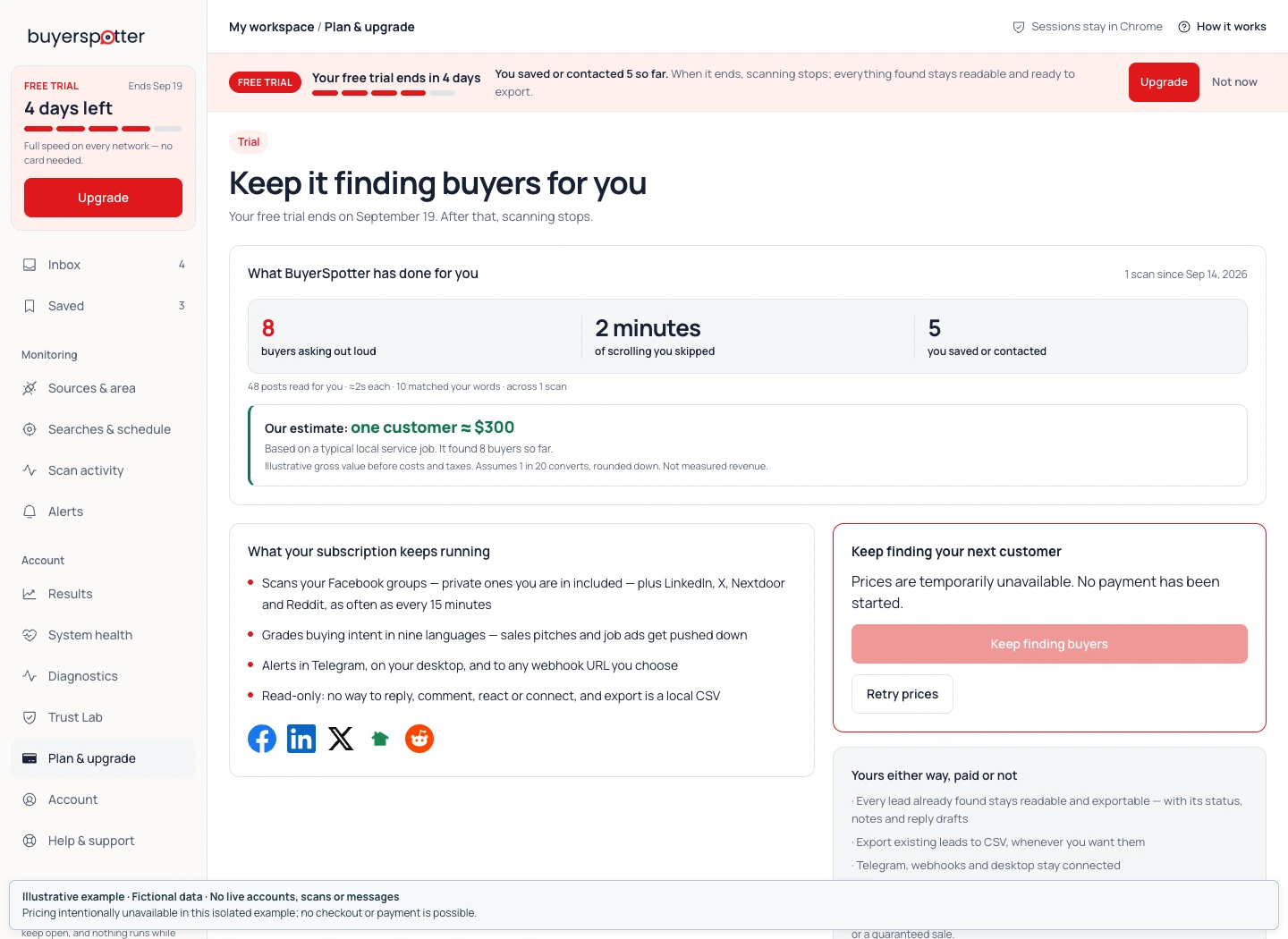
Use the trial to check the fit
Pick a service or product problem you can describe precisely and a few sources where people discuss it. Once the sources complete a check, review the original posts behind the matches. Could you genuinely help with the requests? How much irrelevant reading remains?
Use the first-week evaluation guide to keep that review consistent. Your sources determine what there is to find. Premium does not include a guaranteed number of leads, replies or sales.
Manage renewals and billing questions
You can cancel future renewals from your billing page. Uninstalling the extension and canceling a paid subscription are separate actions.
For refund details, read the Refund Policy. For a billing question, email hello@buyerspotter.com with the purchase email and order reference. Do not include payment-card details.