
Short answer
A useful HVAC lead is a request that matches your services, territory and available capacity. Monitor local recommendation requests, classify repair, replacement and maintenance needs separately, and confirm the situation before offering an assessment. Track actual appointments rather than treating all heating or cooling discussion as demand.
Get an alert when a neighbor asks for your trade. 7-day trial, no card needed.
Add to ChromeKey takeaways
- Repair, replacement and maintenance enquiries need different follow-up.
- A symptom mentioned in a post is not a diagnosis or an agreed scope.
- Check current availability and the thread before promising an appointment.
Split the pipeline by the work requested
“HVAC leads” describes several different sales processes. A homeowner whose system has stopped working needs an availability decision. Someone comparing replacement options needs an assessment and a clear explanation of the quoting process. A property manager asking about maintenance may need recurring scheduling and a business agreement.
Define which requests your team accepts and how each type is handled. Include service area, property types, appointment windows and work that needs another specialist. Do not create one generic response for all of them. A prospective replacement project should not be rushed through the same script as a time-sensitive service call, and a general question should not be counted as an appointment.
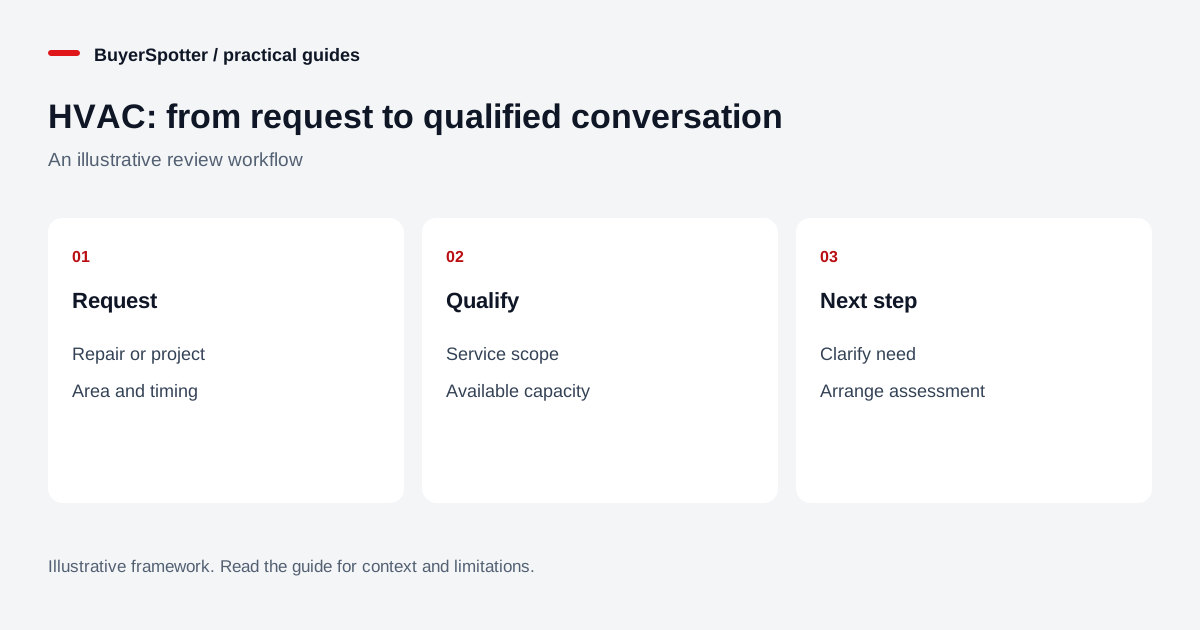
Read the diagram as text
- Request
- Repair or project
- Area and timing
- Qualify
- Service scope
- Available capacity
- Next step
- Clarify need
- Arrange assessment

Build searches around the customer’s question
Start with direct recommendation and availability language rather than broad equipment terms. People may write “air conditioning” or “heating” rather than HVAC. Use the local spelling and terminology you encounter, and keep searches focused enough that you can review the results.
Swipe sideways for more columns, if needed.
| Phrase to test | Intent to verify |
|---|---|
| recommend an HVAC company | Provider recommendation with a defined location. |
| air conditioning repair | A hire request rather than advice or advertising. |
| heating engineer available | Timing, service area and appropriate expertise. |
| heat pump installation quote | Project stage, property and assessment readiness. |
These are illustrative phrases, not volume estimates. A term that produces useful requests in one market may mostly retrieve advertisements in another. Review the actual wording before deciding which phrases deserve ongoing monitoring.
Choose sources that match your service footprint
Search accessible neighborhood groups, local homeowner communities and the Nextdoor area relevant to your business. Check the rules before participating. A community focused on equipment troubleshooting may be useful for understanding questions but unsuitable for commercial replies. A local recommendation thread may provide a more direct opportunity.
Keep source selection tied to your operational footprint. A citywide request without a location remains unqualified until the area is confirmed. Do not assume a member lives inside your service radius just because the group has your city in its name. For managed properties, establish whether the writer is the decision maker or a resident asking on behalf of someone else.
Triage the enquiry without diagnosing it online
Record what the author says, the kind of help requested, the general location and the timeframe. A phrase such as “not cooling” does not identify a failed component or the repair cost. Avoid turning an online reply into a technical diagnosis. Explain the assessment process and let an appropriately qualified person evaluate the equipment.
For replacement projects, clarify whether the customer wants an initial assessment, a second opinion on an existing proposal, or a quote for an already defined scope. For maintenance enquiries, ask about property type, desired service frequency and how access is arranged. These are qualification questions; they do not replace the technical information your team needs later.
Read the newest comments before replying. The customer may have found a provider, changed the timing or clarified a requirement that makes the request unsuitable.
Use different replies for different buying stages
Hypothetical project request: “We are considering replacing our old heating system. Can anyone recommend a local company to assess the options?”
Example response: “I work with an HVAC business serving this area. We can explain our assessment process and what information we collect before proposing options. Are you looking for an initial assessment, or comparing quotes you already have?”
For a time-sensitive service request, first check your real availability, then say what appointment options you can offer. Do not claim immediate attendance from a template. Disclose your business connection and keep the public answer relevant. Move to private details only when the author agrees to that next step.
Build a routine the team can maintain
Choose who checks incoming requests and who can confirm capacity. A notification is less useful when nobody owns the next action. Record an explicit status such as needs location, awaiting availability, assessment offered or closed. If another colleague takes over, provide the original link and the customer’s actual question rather than a vague “hot lead” label.
BuyerSpotter can collect matches from selected Facebook groups and Nextdoor searches while desktop Chrome and the required source access remain available. It does not operate with your computer off or send responses on your behalf. See the setup guide and verify scan status before relying on a quiet inbox.
Evaluate each service category separately
Track reviewed requests, qualified enquiries, assessments booked, quotes provided and accepted work. Keep repair, replacement and maintenance results separate because they involve different timeframes and workloads. Add the reason for disqualification: wrong territory, unsupported work, unavailable appointment or resolved request.
Judge the process over a consistent observation period and include review time. BuyerSpotter costs $39 monthly or $390 annually, with a seven-day no-card trial starting after the first successful scan. Plan details explain the current offer. A trial with few requests is evidence about that source sample and period, not proof that future demand is absent.
Examples, sources and image method
Original worked examples and worksheets by BuyerSpotter. Requests and sample datasets are fictional. References are linked where used.