
Short answer
Lead generation for plumbers starts with a defined service area and job mix. Monitor local recommendation requests, check whether the author is still looking, confirm that the work and timing fit, then respond with a specific next step. Track booked assessments and completed jobs separately from alerts.
Get an alert when a neighbor asks for your trade. 7-day trial, no card needed.
Add to ChromeKey takeaways
- Separate urgent requests, planned installations and general advice before replying.
- Match the job to your actual coverage and availability before offering a visit.
- Measure qualified conversations and completed work, not raw notification counts.
Decide which plumbing jobs you want to find
A small plumbing business does not need every plumbing conversation. Start with the work your team actually accepts: domestic callouts, planned bathroom work, water-heater installation, commercial maintenance, or a narrower specialty. Write the towns you cover, the appointment windows you can realistically offer, and the jobs you refer elsewhere. Keep this beside your monitoring setup.
These decisions change the search. A contractor looking for planned renovation work should not judge success by emergency requests they cannot attend. A solo plumber who only has weekday capacity should not promise an evening visit because a post looks attractive. A useful lead is a relevant request you can responsibly handle, not simply a person mentioning your trade.
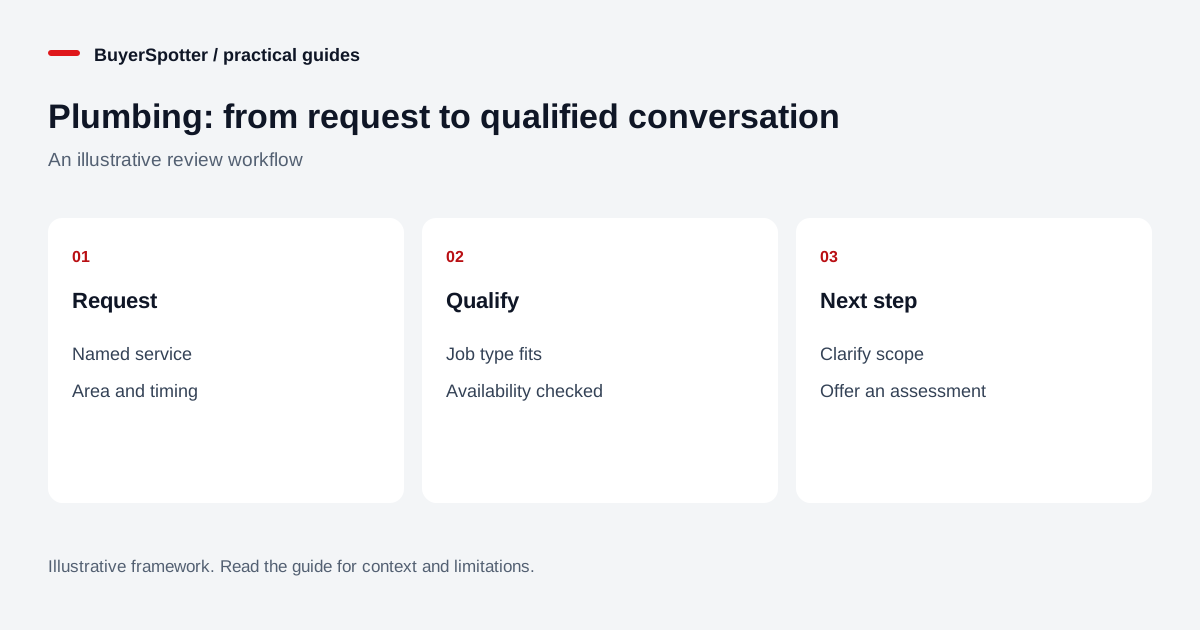
Read the diagram as text
- Request
- Named service
- Area and timing
- Qualify
- Job type fits
- Availability checked
- Next step
- Clarify scope
- Offer an assessment

Search for what a customer would actually write
Begin with neighborhood groups and local communities that your account can access. Read recent discussions before adding a source. You want evidence that people ask for recommendations there, that their area fits, and that businesses may answer relevant requests under the community rules.
Swipe sideways for more columns, if needed.
| Search phrase to test | Likely review task |
|---|---|
| recommend a plumber | Check the location, job and current replies. |
| plumber available | Verify the timing before responding. |
| bathroom plumbing quote | Clarify project stage and scope. |
| water heater installation | Separate installation requests from DIY discussion. |
These phrases are starting examples, not measured promises of demand. Add wording from genuine requests you encounter. Avoid relying on the word “plumbing” alone: it may find vacancies, trade advertisements and general conversation.
Keep three different kinds of demand separate
Urgent service requests need a fast availability decision. Read the current thread before replying; the author may already have arranged help. Do not diagnose the problem from a short post or provide repair instructions as a sales tactic.
Planned work needs a different conversation. Ask whether the buyer is collecting ideas, has an agreed scope, or is ready to arrange an assessment. A bathroom project mentioned for next spring belongs in a different follow-up process from a request for a visit tomorrow.
Advice and recommendations may be useful without being immediate jobs. Someone asking what a repair usually costs has not necessarily asked a business to contact them. Offer an appropriate public explanation only if it fits the rules and the question; do not turn every discussion into an unsolicited pitch.
Qualify before you spend time on a quote
Use a short, consistent checklist so a busy inbox does not become a second dispatch problem. Confirm the general service area, requested work, timing, and whether the author is arranging the job or simply discussing someone else’s property. Ask for missing details through an appropriate channel, rather than inviting people to publish private addresses in a group.
Record the information you actually know. “Needs a plumber” is an open question; it is not a confirmed leak repair. “This week” is a requested timeframe; it is not an accepted appointment. If the work falls outside your expertise, decline or give an honest referral where appropriate. Keeping unsuitable work out of the quote queue makes the remaining pipeline easier to manage.
Write a reply that moves one question forward
Hypothetical request: “Can anyone recommend a plumber near our neighborhood? We need someone to look at a leaking kitchen tap this week.”
Example reply to adapt: “I run a plumbing business serving this area. We handle tap repairs, and I can check our appointment options for this week. Are you still looking for someone? If so, I can explain the assessment process and the information we need before arranging a visit.”
Use only claims you can support. Replace “this area” with your real coverage, and do not offer availability until you have checked it. Identify your connection to the business. A helpful, transparent response can be brief; it does not need a catalogue of unrelated services or repeated promotional links. Send a private message when the author invites that next step.
Use monitoring to reduce repeated searching
You can run this workflow manually by checking a short list of sources and recording promising posts. If repeating the same searches becomes the bottleneck, BuyerSpotter’s Facebook monitoring and Nextdoor monitoring can bring matching posts into one inbox. Chrome must remain open, source access must be available, and coverage is not guaranteed. You still open the original thread and reply yourself.
Start with a small phrase set. Review irrelevant matches before adding exclusions: excluding “job” indiscriminately might remove both recruitment posts and homeowners describing a plumbing job. Test changes against requests you would want to keep. The user guide explains setup and scan-status checks.
Measure the pipeline after the notification
Keep separate counts for requests reviewed, suitable requests, replies you actually sent, assessments arranged, and completed jobs. Add one rejection reason such as outside area, unavailable date, wrong specialty or already resolved. Compare sources over the same review period and include the time spent searching and answering.
A busy feed with few suitable appointments may be a poor source. A quiet neighborhood with occasional well-matched work may still be worthwhile. BuyerSpotter costs $39 monthly or $390 annually; its seven-day trial starts with the first successful scan and requires no card. Check current plan details and judge the workflow using your own results, including tool cost and review time.
Examples, sources and image method
Original worked examples and worksheets by BuyerSpotter. Requests and sample datasets are fictional. References are linked where used.