
Short answer
To recognize a buyer request on LinkedIn, search for the work people need help with, then check the author's purpose: buying from a supplier, hiring an employee, researching tools, or sharing their own results. A real request names a project or requirement you can check, such as a deadline or handoff, not just a job title.
Let BuyerSpotter watch your groups and searches for you. 5-day trial, no card needed.
Add to ChromeKey takeaways
- Pair a broad category with the specific work or requirement that makes your offer relevant.
- The same vocabulary appears in supplier requests, job vacancies and posts sharing past results.
- LinkedIn post search supports keywords plus filters such as date posted, author and content type.
- Do not infer buying authority from the author's role; the post must describe the need.
- BuyerSpotter runs LinkedIn post searches through your own signed-in Chrome session and never messages anyone.
Use request language tied to a specific job
Start with ordinary phrases a buyer would use to find your service or product. A broad category such as analytics includes advice, product launches, recruitment, and requests for help. Pair it with the work or requirement that makes your offer relevant.
When reviewing LinkedIn posts, distinguish a request from a professional discussing the same problem. A role or company name can provide context, but the post needs to explain the situation you could help with.
To get alerts for new matches, see LinkedIn monitoring. Agencies can pair this with the agency prospecting workflow.
Use the documented post-search controls
LinkedIn's instructions for searching member posts describe entering keywords, selecting Posts, and refining results with filters such as date, author, and content type. The help page also notes that deleted posts are not searchable. Source reviewed 6 September 2026.
- Enter a phrase tied to the requested work, then select the post results.
- Choose an available Date posted filter appropriate to your review task and record it.
- Use relevant available filters to narrow the sample; avoid inferring buying authority from the author's role.
- Open each plausible request and inspect the current conversation.
- Keep the phrase, filters, date, and result link in your review notes.
Those controls are documented platform behavior. Choosing the phrase and labeling the results are editorial steps in this guide. They do not establish what BuyerSpotter will capture from a particular source.
For the service-fit review after search, use the opportunity checklist. Agencies can keep ownership clear with the agency handoff workflow.

Check what the author is asking others to provide
Example
"Can anyone recommend an agency to audit our paid-search tracking before a website migration? We need someone who can explain the findings to our internal team."
The requirements include tracking, migration timing, and a clear handoff. A general campaign-management pitch misses the stated job. Check the current comments for added requirements or a resolved search before drafting anything.
Separate buying from adjacent requests
Swipe sideways for more columns, if needed.
| Example wording | Review question |
|---|---|
| Can anyone recommend a provider? | Does our offer meet the stated requirements? |
| We are hiring someone to own this | Are they seeking an employee rather than a supplier? |
| What tools do other teams use? | Is this an active evaluation or general research? |
| Our team has solved this problem | Is the author selling or sharing experience? |
These are illustrative language patterns, not LinkedIn search operators. Test phrases with the controls currently available to your account.
Distinguish a project request from hiring and promotion
Worked example
Post A: "Can anyone recommend an agency to audit tracking before our migration?" Inspect the project scope and any current replies.
Post B: "Hiring an analytics lead to own tracking internally." The team wants an employee. A project agency should not quietly reinterpret the role as an invitation to pitch.
Post C: "We completed another tracking audit for a client." This is a seller's account of past work. It may inform market research, but it is not the same buyer request.
For Post A, finish the review with a concrete note: the buyer needs an audit, the migration provides timing, and the handoff to the internal team is part of the request. The platform stack and exact deadline are still unknown. Ask about a missing detail only when it changes whether your agency can do the work.
If the search is mostly job vacancies, refine the request language and keep one known project request as a check. Excluding every occurrence of "hiring" could remove a person saying "We're hiring an agency for this project." If results are sparse, try the problem wording separately instead of inferring that the market has no demand.
If a filter is unavailable or a post cannot be opened, record that limitation. Do not work around access restrictions or treat an inaccessible snippet as verified evidence. After a useful request is found, follow the agency review and handoff process. SaaS teams can use the same distinction with software recommendation requests.
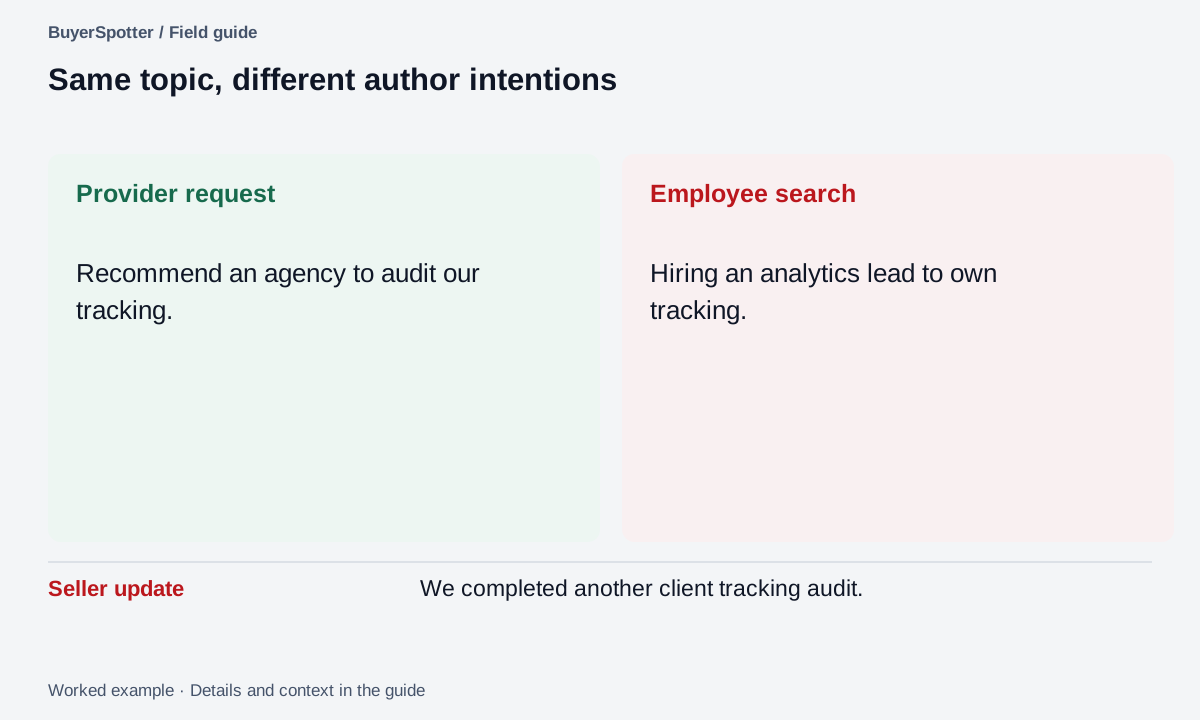
Read the example as text
- Provider request
- Recommend an agency to audit our tracking.
- Employee search
- Hiring an analytics lead to own tracking.
- Seller update
- We completed another client tracking audit.
Build a search notebook around one service
For the tracking-audit agency in the example, use separate plain-language searches such as "recommend tracking audit", "website migration tracking" and "looking for analytics agency". These are editorial starting phrases, not measured high-volume keywords or guaranteed search syntax.
Use the post-search controls documented above and available to your account. Keep the same review period while comparing phrases, and open promising posts instead of qualifying them from a shortened search snippet.
Worked example
Swipe sideways for more columns, if needed.
| Search | What to inspect | What to reject or question |
|---|---|---|
| recommend tracking audit | A request for a provider to check tracking | An agency advertising its own audit service |
| website migration tracking | A migration with a stated measurement problem | A historical case study without a current request |
| looking for analytics agency | A supplier search with a defined project | A full-time employee role or a job seeker's post |
The output should be a small list of original requests with reasons, not a list of impressive job titles. Record the actual date filter and account context in your own notebook; do not claim that a colleague will see an identical result set.
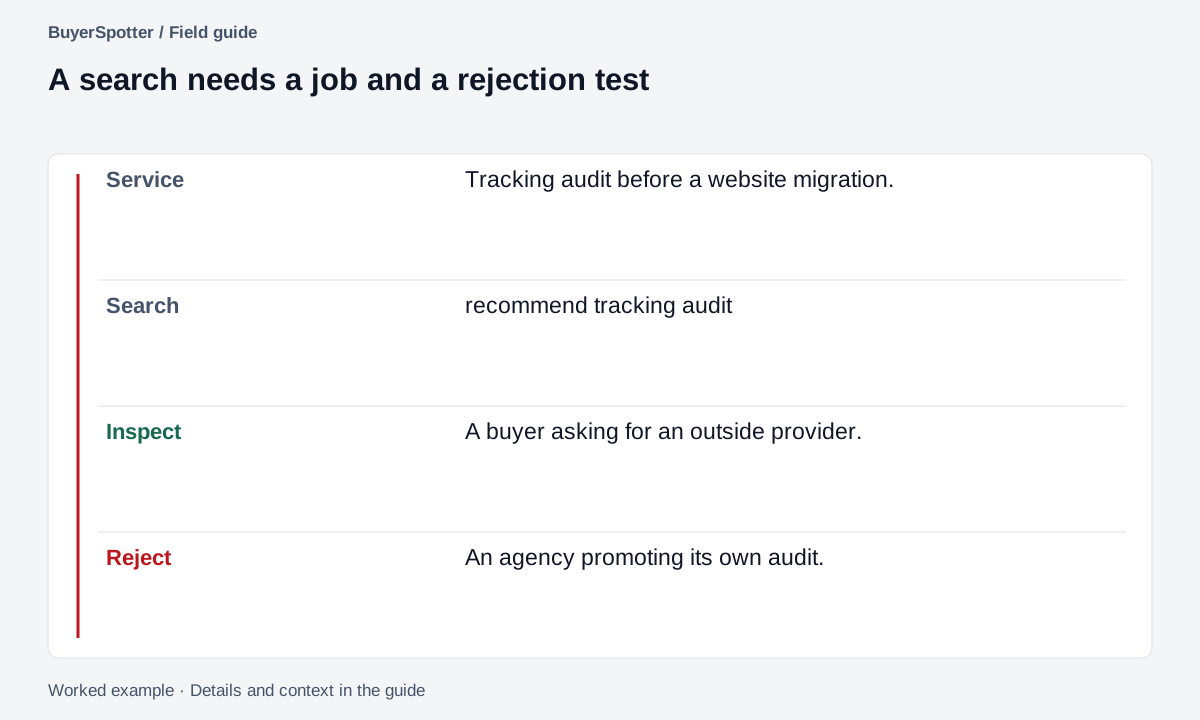
Read the example as text
- Service
- Tracking audit before a website migration.
- Search
- recommend tracking audit
- Inspect
- A buyer asking for an outside provider.
- Reject
- An agency promoting its own audit.
Copy a LinkedIn request review
Phrase to investigate: [job plus request language]
Post-search filters and dates: [record actual controls]
Original post: [link]
Author's stated purpose: [buy / hire / research / share]
Requirements in the post: [quote relevant words]
Current comments checked: [date]
Our verified fit: [specific capability]
Helpful next step: [answer / clarify / leave]
Reason for the decision: [one sentence]
Verify access and timing in your own workflow
Do not assume the same results are visible to every account or that a selected source captures every relevant post. Check what you can actually open, the result dates, and the scan status shown by the tool you use.
A public professional post does not automatically invite a private sales message. Answer the request in context and follow the author's preferences and applicable source rules.
Frequently asked questions
How do I find people asking for recommendations on LinkedIn?
Search posts for request phrases tied to the work, such as "recommend an agency" plus the job, filter by date posted and open each plausible result to read the comments.
How can I tell a LinkedIn buyer request from a job post?
Check whether the author wants a supplier or an employee. "We are hiring someone to own this" is a vacancy, not a request for an outside provider.
Can I get alerts for new LinkedIn posts with my keywords?
Yes. BuyerSpotter's LinkedIn monitoring runs your search phrases as LinkedIn post searches through your signed-in session and alerts you to matches.
Should I send a LinkedIn message to someone who posted a request?
Not automatically. A public post is not an invitation to a private sales message, so answer in context and follow the author's stated preferences.
Examples, sources and image method
Original worked examples and worksheets by BuyerSpotter. Requests and sample datasets are fictional. References are linked where used.