

Short answer
BuyerSpotter monitors LinkedIn by running your phrases as post searches through the LinkedIn account signed in to Chrome. It adds matching posts to one inbox, grades them by buyer intent so requests rank above job ads and promotions, and can alert you by desktop, Telegram or webhook. It never sends connection requests, comments or messages.
Get these alerts for your own groups and searches. 5-day trial, no card needed.
Add to ChromeKey takeaways
- Your phrases run as LinkedIn post searches through your own session.
- Intent grading helps separate "can anyone recommend…" from hiring posts and content marketing.
- No automation of connection requests, comments or messages.
- LinkedIn shares the same phrase list as your other networks.
How LinkedIn monitoring works
BuyerSpotter is a Chrome extension that monitors Facebook groups, Reddit, LinkedIn, X (Twitter) and Nextdoor for posts where someone asks to buy, hire or get a recommendation, and alerts you so you can reply yourself. On LinkedIn, BuyerSpotter runs each phrase as a post search through the LinkedIn account signed in to Chrome, then brings new matching posts into your inbox with the phrase that matched.
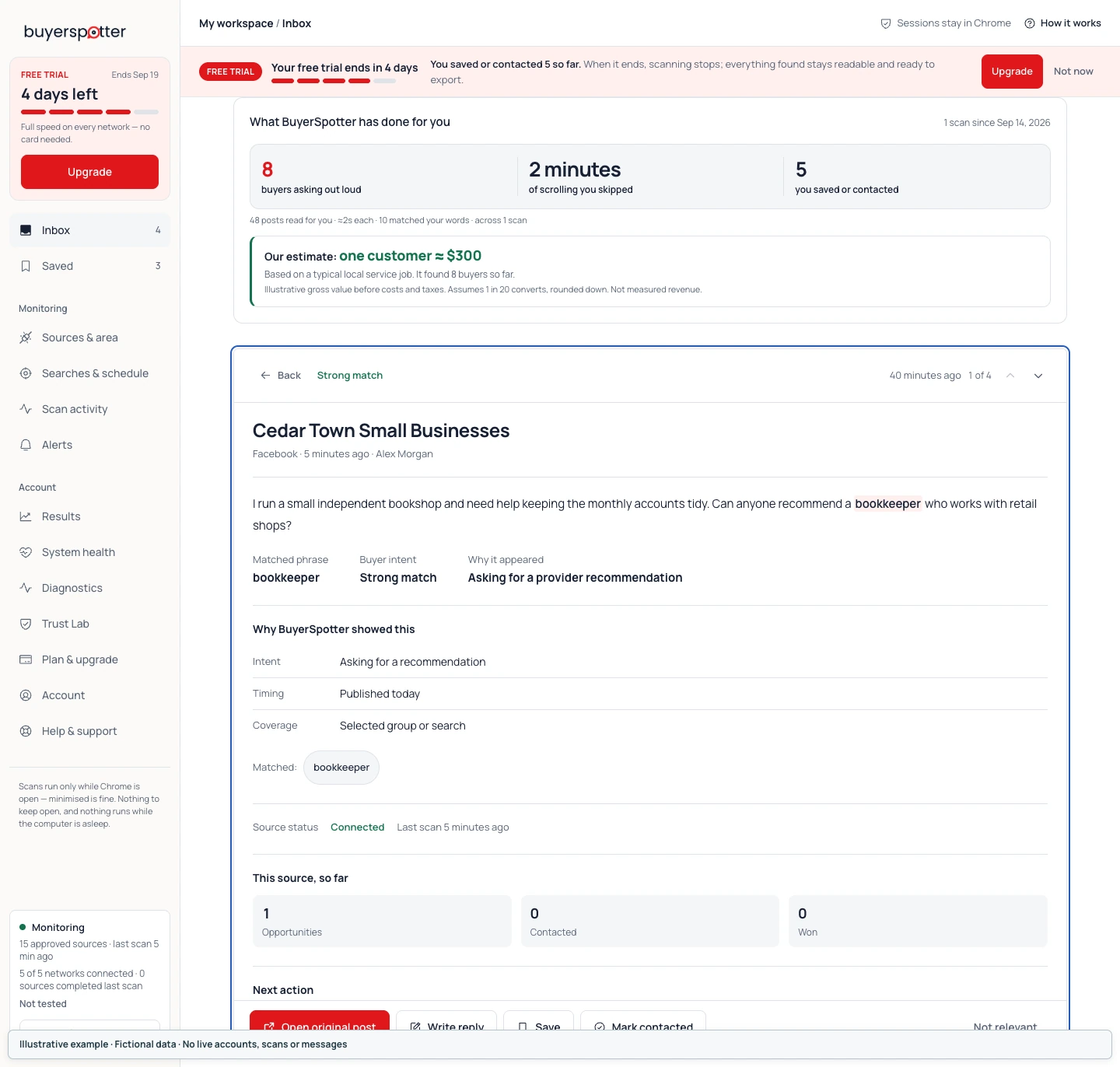
Request, job post or promotion?
On LinkedIn, the same word appears in hiring posts, thought leadership and genuine requests. "We are hiring a support manager" is a job post; "What help desk software would you recommend for a 10-person team?" is a request. Intent grading ranks the second kind first, and exclusions such as "hiring" remove the first. The LinkedIn buyer requests guide has more examples.
Responding on LinkedIn
Answer the question in the comments or message the author only if the post invites it. Say that you work on the product or service you mention. BuyerSpotter never sends connection requests, comments or messages for you. Agencies can read the agency workflow for who responds and when.
Software teams can compare SaaS buying signals; agencies can follow the agency prospecting workflow.
Frequently asked questions
Can I get alerts for LinkedIn posts with certain keywords?
LinkedIn's own search does not notify you when a new post matches a keyword. BuyerSpotter runs your phrases as post searches on a schedule and alerts you to new matches.
Does it use the LinkedIn API or my password?
Neither. It uses the LinkedIn session already signed in to Chrome and never asks for your password.
Will it send connection requests or messages?
No. It is read-only.
How do I find leads on LinkedIn without cold outreach?
Look for posts where someone asks their network for a recommendation, and answer those. BuyerSpotter finds them; you decide whether to respond.