
Short answer
BuyerSpotter and Narrative Field both surface community requests for local services. Narrative Field's home-services page describes matching by intent, service, geography, timing and exclusions. BuyerSpotter monitors Facebook groups, Reddit, X, LinkedIn and Nextdoor sources you choose and shows each post with its match reason. Compare them by testing your own service area and job scope.
Let BuyerSpotter watch your groups and searches for you. 5-day trial, no card needed.
Add to ChromeKey takeaways
- Neither product's published examples establish detection rate, response speed or customer revenue.
- Narrative Field's home-services page distinguishes tracked posts from matched posts; ask which sources and period produced any count.
- Test both with a useful case and a near miss, such as a home repair versus a factory contract that shares a keyword.
- BuyerSpotter's audience includes local services, SaaS teams and agencies; Narrative Field positions a home-services solution.
- If you cannot name sources where your buyers ask for help, start with source research before buying any tool.
Start with the work you want to find
This comparison is published by BuyerSpotter and covers published workflows reviewed on 6 September 2026. It is not a measured head-to-head test.
Narrative Field's home-services page uses service, location, and urgency in its examples of community requests and discusses exclusions. BuyerSpotter also emphasizes reviewing a request with its source, timing, original wording, and match reason. BuyerSpotter's audience includes local services, SaaS teams, and agencies.
For a local operator, the first question is whether a result describes work you can actually perform in the area you serve.
Compare the documented workflow with the questions still open
The following matrix separates published positioning from the checks a buyer still needs to perform. The Narrative Field source is its official home-services page, reviewed on 7 September 2026. BuyerSpotter's workflow and current terms are on its product guide and pricing page.
Swipe sideways for more columns, if needed.
| Question | BuyerSpotter | Narrative Field |
|---|---|---|
| How is fit described? | Chosen-source request review with original wording and a reason for a match | Home-services examples use intent, service, geography, timing and exclusions |
| What must be checked for my account? | Current installation availability, accessible sources and completed source reviews | Whether the exact required sources and areas can be supported under current terms |
| What operating conditions matter? | Desktop Chrome, account access and source state affect the workflow | Confirm current operating and delivery conditions directly; this guide does not report a live test |
| How should counts be read? | Inspect matches and source status rather than treating a displayed total as jobs won | The cited page distinguishes tracked posts from matched posts; inspect the selected results for fit |
| Which performance claims are established here? | None about relative detection or sales outcomes | None about relative detection or sales outcomes |
The unknown cells are questions for an evaluation, not defects assigned to a competitor. Do not infer a capability is absent because a marketing page does not describe it.
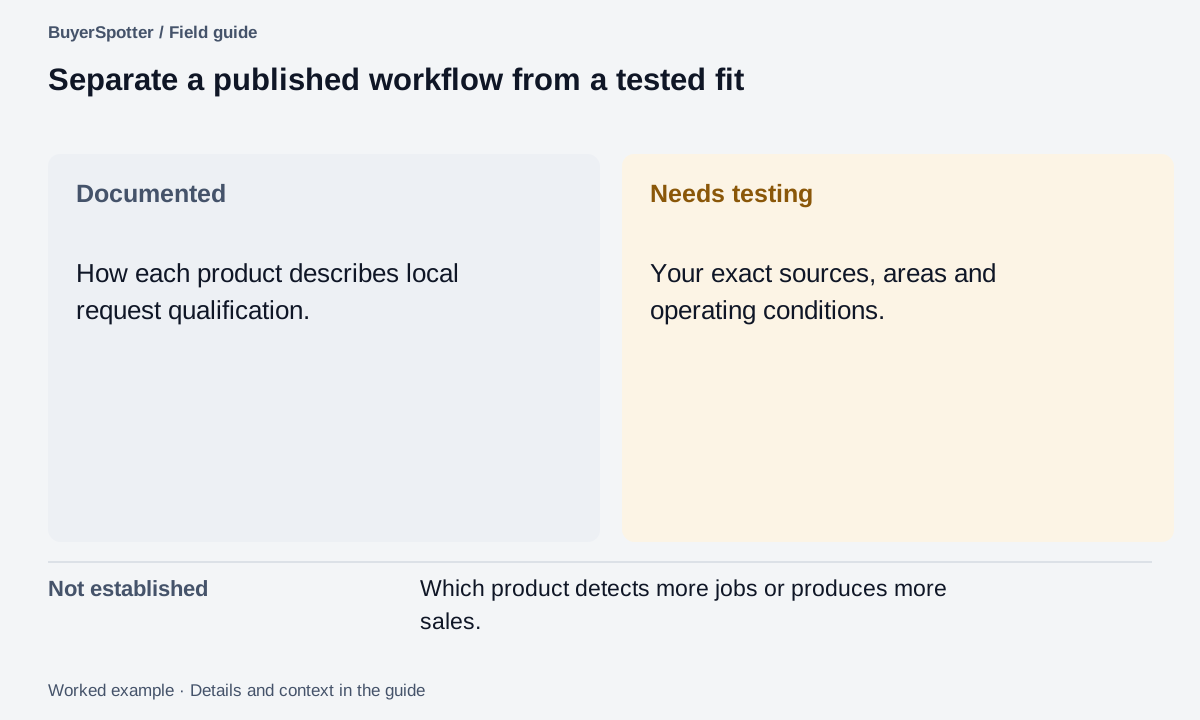
Read the example as text
- Documented
- How each product describes local request qualification.
- Needs testing
- Your exact sources, areas and operating conditions.
- Not established
- Which product detects more jobs or produces more sales.

Test a local job with a clear boundary
Example
A residential electrician works within a defined service area and does not take industrial jobs. A nearby homeowner asking about a faulty socket may deserve review. A factory seeking a maintenance contractor does not fit, even if the location and electrician keyword match.
Keep both examples in the evaluation brief. Check how each workflow lets you distinguish property type, scope, and timing before deciding whether to reply.
Inspect the points that affect daily work
Swipe sideways for more columns, if needed.
| Check | Evidence to collect |
|---|---|
| Service-area fit | The location stated in the request and how you exclude work outside your area |
| Job fit | Whether the scope and property type match the service you offer |
| Current request | The date and original thread, including whether the need is resolved |
| Source access | The specific source you configured and the status of its actual review |
| Daily effort | Time spent checking useful, unclear, and irrelevant matches |
Use the source-selection worksheet to turn service area and job scope into a specific source requirement. Compare the products against that same list rather than against unrelated examples.
Keep tracked posts and matched posts separate
Narrative Field's home-services page distinguishes tracked-post counts from matched posts and describes intent, service, geography, timing, and exclusions. Source reviewed 6 September 2026. That distinction is useful when examining any monitoring demo.
Example
Suppose a demonstration reports 50 posts tracked and 5 matches. The first figure describes activity examined; the second describes results selected by the system. Neither figure tells you how many of the five are jobs your electrician can take.
Open the matched requests and apply the residential-scope and service-area checks. Keep any unclear case visible. These invented figures explain the denominators; they are not results from either product.
Ask which source set and period produced a displayed count. If the context is missing, use the count as interface information rather than proof of lead quality. Apply the same standard to BuyerSpotter's website examples and your own live evaluation.
Give both products the same electrician evaluation pack
Use the fictional residential electrician from the scenario. Its service area is defined, industrial maintenance is outside scope, and appointment capacity must be checked manually. Retain four kinds of posts in the review brief.
Swipe sideways for more columns, if needed.
| Post type | Expected review | Reason |
|---|---|---|
| Homeowner asks for an electrician for a faulty socket in the service area | Inspect | Potentially relevant work; do not diagnose it from text |
| Factory asks for a maintenance contractor nearby | Reject for this offer | Industrial scope is excluded |
| Another electrician advertises available appointments | Reject for customer discovery | The author is a supplier |
| Resident asks how to do the repair themselves | Keep separate from provider requests | Advice-seeking is not automatically a request to hire |
For a real evaluation, add actual accessible source links and dated examples rather than using these invented sentences as performance evidence. Inspect results with the same fit rules in both products. Record unclear location and unresolved source access separately.
If neither workflow can review the essential sources, stop before comparing prices. If the sources contain little observed demand, return to source research. A software choice cannot create those conversations. If the required workflow spans software recommendations as well as local jobs, the Syften comparison offers a different source and operating-model checklist.
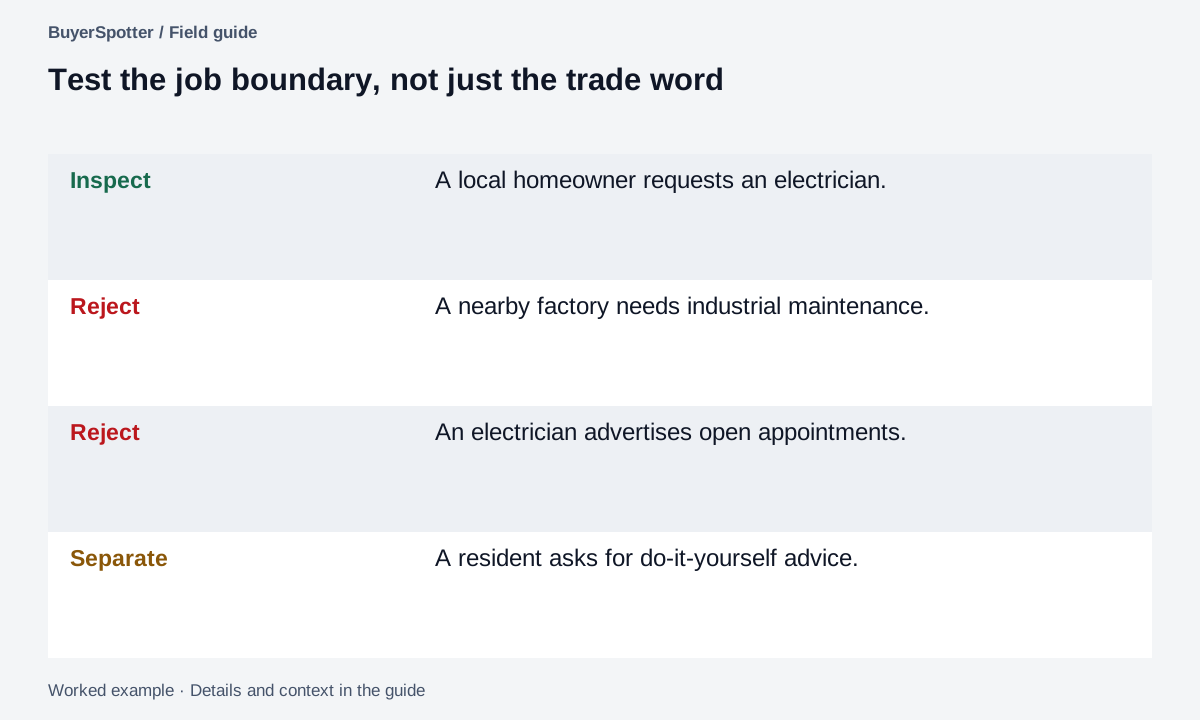
Read the example as text
- Inspect
- A local homeowner requests an electrician.
- Reject
- A nearby factory needs industrial maintenance.
- Reject
- An electrician advertises open appointments.
- Separate
- A resident asks for do-it-yourself advice.
Copy a local comparison brief
Service offered: [precise scope]
Tracked posts versus selected matches: [separate observed counts]
Service area: [areas included and excluded]
Jobs we cannot take: [restrictions]
Timing we can support: [verified capacity]
Sources required: [names and links]
Useful example: [original request]
Similar poor-fit example: [original request]
Product and configuration: [record]
Results checked: [useful / unclear / irrelevant]
Operating conditions and terms verified: [date]
Match the product to your source set
Narrative Field's home-services positioning makes it worth evaluating for that specific use case. Evaluate BuyerSpotter when its chosen-source workflow and evidence review fit the work you want to do. Use the same service definition when assessing both.
If you cannot name sources where relevant requests occur, begin with source research. A monitoring purchase will not solve an undefined market or an area with little observable demand.
Sources and comparison limits
Source: Narrative Field: Home services. See the BuyerSpotter product page for its workflow and installation availability.
Published examples do not establish actual detection rate, response speed, lead exclusivity, or customer revenue. This article makes no comparison claims about those outcomes. Check current coverage and terms directly with each provider, then run a bounded evaluation.
Frequently asked questions
What is the difference between BuyerSpotter and Narrative Field?
Narrative Field publishes a home-services solution built around intent, service, geography, timing and exclusions. BuyerSpotter is a Chrome extension that watches sources you choose across five networks and leaves the fit decision and reply to you.
How should a local business compare lead monitoring tools?
Use the same service definition, service area and source list for each tool, then label results useful, unclear or irrelevant and record review time.
What does "posts tracked" versus "matches" mean in a monitoring demo?
Tracked posts describe activity the system examined; matches are the posts it selected. Neither tells you how many are jobs you can take until you open them.
Does BuyerSpotter work for home service businesses?
Yes, it watches local Facebook groups and Nextdoor within 1 to 80 km, among other sources. See the guides for electrician leads and other trades.
Examples, sources and image method
Original worked examples and worksheets by BuyerSpotter. Requests and sample datasets are fictional. References are linked where used.
What we checked
Use the same standard for both products. Documentation explains the intended workflow; inspecting code can establish how a rule is implemented. Neither proves that your source was read or that a request became a customer.
Swipe sideways for more columns, if needed.
| Criterion | BuyerSpotter evidence | Narrative Field evidence |
|---|---|---|
| Source access and operating conditions | Product-source and configuration review. Access to your chosen sources still needs a completed installed run. | Published source and workflow descriptions. No account-specific source test for this comparison. |
| Matching and fit | Code-reviewed keyword and request-signal rules. Service area, integrations and delivery capacity remain human checks. | Vendor descriptions of filtering and qualification. We have not run its matching process against the example set. |
| Interface and examples | Product components with fictional inputs; not a recording of live collection. | Vendor-published descriptions and examples; not our observed test results. |
| Detection quality or sales | Not measured here. | Not measured here. |
Source-review dates remain attached to the cited comparisons below. Unknown results are unresolved evaluation tasks, not a failing grade or evidence that a feature is absent.