
Short answer
Google Alerts emails you when new results for a topic appear in Google Search, so it only sees pages Google can crawl. Posts behind a login, such as private Facebook groups, never reach it. To catch people asking for your service in groups, Reddit or Nextdoor, use a community monitoring tool such as BuyerSpotter.
Let BuyerSpotter watch your groups and searches for you. 5-day trial, no card needed.
Add to ChromeCompare where the information comes from
Google describes Alerts as a way to receive emails when new results for a topic appear in Google Search. That makes it useful to consider when your question concerns newly surfaced web results. See Google's instructions for creating an alert.
A community monitoring workflow begins with selected sources you can access and a definition of a relevant request. You still need to inspect the conversation. Do not assume that an alert about web results is a complete feed of a selected community.
If you are replacing a Reddit tool rather than Google Alerts, see the F5Bot and GummySearch alternatives. For the broader distinction, read social listening vs buyer intent.
Choose according to the task
Swipe sideways for more columns, if needed.
| Your question | Useful starting point |
|---|---|
| Has a new search result appeared about our topic? | Google Alerts, with settings reviewed for that topic |
| Did someone in a chosen source ask for help we provide? | A focused community review process |
| What wording do people use for this problem? | Review examples from both, keeping their origins distinct |
| Is this person still seeking a provider? | Open the original conversation and check its current context |

Decide what to keep after the first review
Keep Google Alerts when the delivered web results answer your research question with a manageable review effort. Keep a community review when the relevant conversations occur in sources you can access and inspect. Use both when they serve different decisions; do not force one to replace the other just to simplify the tool list.
If a topic alert is noisy, inspect its current settings and the actual result types before narrowing the topic. If the community review is empty, check source access and activity before blaming the request definition. The diagnosis depends on where the information came from.
Swipe sideways for more columns, if needed.
| Mistake | Correction |
|---|---|
| Calling every alert a lead | Label the item's business purpose before counting it |
| Claiming one workflow is faster from one appearance time | Separate publication, discovery and delivery times; a single item is not a speed benchmark |
| Assuming missing private community posts should appear in web alerts | Check the documented source scope and actual access conditions |
| Adding another paid product before defining a gap | Name the repeated task or required source the current process cannot handle |
Google's official instructions remain the reference for creating and editing an alert. The side-by-side notebook here is our evaluation method, not Google's claim about community coverage. Once your gap is clear, use the workflow distinction or the product comparison brief to choose the next test.
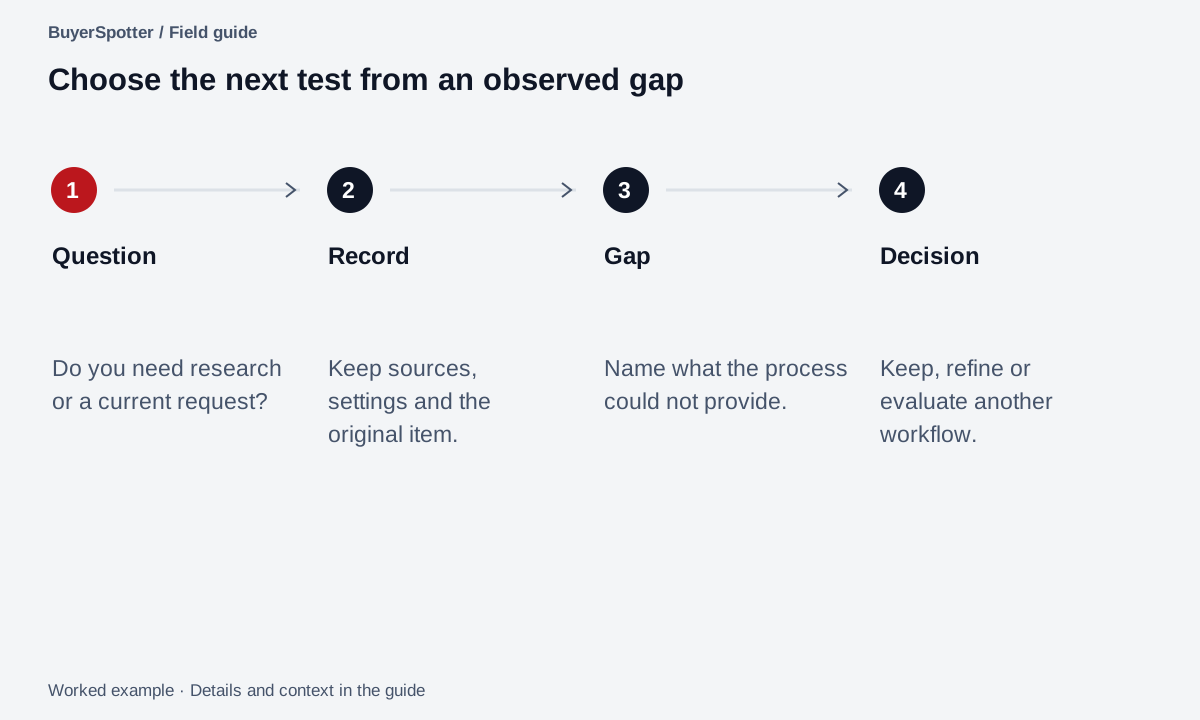
Read the example as text
- Question
- Do you need research or a current request?
- Record
- Keep sources, settings and the original item.
- Gap
- Name what the process could not provide.
- Decision
- Keep, refine or evaluate another workflow.
Use the same topic to test both
Example
A bookkeeping business follows the topic "retail bookkeeping." A new article about retail accounting could be useful market reading. A community post asking for help with overdue books could be a request worth reviewing.
Both concern the same topic. They support different actions: learning from an article and checking whether a current service request fits.
Configure a small test with the current alert settings
Google's official alert instructions describe options for frequency, types of sites, language, region, number of results, and delivery account. These controls affect what you are evaluating, so record them alongside your topic.
- Choose one topic and preview the available results.
- Set the language and region that match the question you are researching.
- Choose the site types and result count deliberately, then record the settings.
- Review the delivered items against a written definition of useful.
- Compare a separate sample from the communities that matter to you.
The setup options are documented by Google; this side-by-side sampling procedure is our editorial recommendation. A difference in results can reflect different source scope. It does not by itself prove that one method is faster or more complete.
If the goal is community requests, use the source-selection worksheet before configuring another tool. If the goal remains broader research, the listening-versus-intent guide helps keep those outputs separate.
Run a two-track review without mixing the outputs
Use one business brief: retail bookkeeping help for independent shops. Keep two records for the same chosen review period. One records items delivered by a Google Alert; the other records conversations you inspected in named communities. Do not claim that the records cover the same content.
Worked example
Swipe sideways for more columns, if needed.
| Field | Web-alert example | Community-review example |
|---|---|---|
| Item | An article explaining retail month-end bookkeeping | A retailer asking for help with two months of overdue books |
| Useful for | Learning how the problem is described | Checking whether a current service request fits |
| Context required | Publication date, original article and author | Original post, date, current replies and source rules |
| Next action | Read and record a relevant research note | Review scope and decide whether clarification would help |
These are invented items, not a detection test. In your own record, keep the actual topic, alert settings and delivery timestamps. For community work, keep the exact sources and what was successfully inspected. A missing item only becomes an observed gap when you can identify the item and explain why it was within the scope being evaluated.
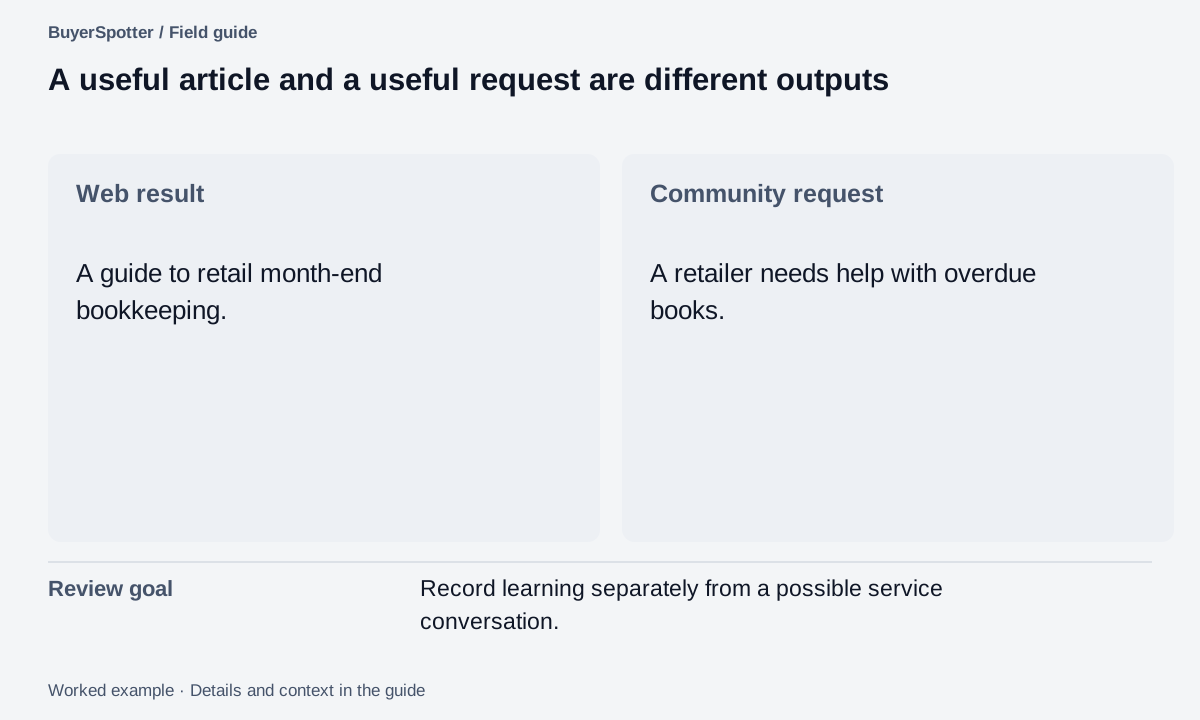
Read the example as text
- Web result
- A guide to retail month-end bookkeeping.
- Community request
- A retailer needs help with overdue books.
- Review goal
- Record learning separately from a possible service conversation.
Copy an alert selection brief
Topic or request: [specific wording]
Google Alerts settings: [frequency, site types, language, region]
Result count and delivery choice: [record]
Question we need answered: [research / current request]
Sources that matter: [web results / named communities]
Original context required: [what must be visible]
Review period: [dates]
Useful result for this task: [definition]
Observed gap: [what the workflow did not surface]
Next action: [read / refine / inspect conversation]
Test observed results before judging coverage
This is a comparison of starting points, not a benchmark of detection speed or completeness. Run a bounded review with your own topic and sources. Record what appeared and what you know you missed without treating the sample as the whole web.
Source checked for this comparison: Google Search Help: Create an alert, 6 September 2026. Recheck the current settings and terms before depending on a particular delivery behavior.
Frequently asked questions
What does Google Alerts monitor?
New results in Google Search for your query, delivered by email or RSS. It covers pages Google has crawled and indexed.
Can Google Alerts monitor Facebook groups?
Not private ones. Google does not crawl pages that require a login, so members-only group posts cannot appear in Google Alerts.
What is a good Google Alerts alternative for finding customers?
A tool that reads the communities where customers ask for help. BuyerSpotter monitors Facebook groups, Reddit, X (Twitter), LinkedIn and Nextdoor and alerts you to buyer requests.
Is Google Alerts free?
Yes. BuyerSpotter Premium costs $39 USD per month; many teams use both, Google Alerts for web mentions and BuyerSpotter for requests.
Examples, sources and image method
Original worked examples and worksheets by BuyerSpotter. Requests and sample datasets are fictional. References are linked where used.