
Short answer
Buyer-intent monitoring is checking chosen sources, such as Facebook groups, Reddit, LinkedIn, X or Nextdoor, for conversations where someone requests a recommendation, compares alternatives or describes a problem you can solve. Its output is a reviewable shortlist with the original post and match reason, not proof that anyone will buy. See how BuyerSpotter does it.
Let BuyerSpotter watch your groups and searches for you. 5-day trial, no card needed.
Add to ChromeKey takeaways
- The three most common buying conversations are recommendation requests, alternative comparisons and problems with a clear need for help.
- Keep the evidence behind every match: exact words, source, date and the reason it matched.
- Start with one offer, one buyer and a few sources, then improve the definition from what you review.
- Separate source access problems from weak matches; tightening a phrase cannot fix a source you cannot open.
- A match does not prove budget, authority or a future sale.
Look for a need you can understand
Buyer-intent monitoring is the process of checking selected sources for conversations that contain a plausible buying situation. That may be a request for a recommendation, a comparison of alternatives, or a problem with a clear need for help.
Local services use geography and job scope to judge fit. SaaS teams look for a workflow and requirements their product supports. Agencies need enough information about the project and buyer to decide whether an introduction would be useful.
In practice this means watching the places your buyers ask for help: Facebook groups, Reddit, X (Twitter), LinkedIn and Nextdoor. For the difference from market research, see social listening vs buyer intent.
What BuyerSpotter does, and what stays with you
BuyerSpotter checks the sources you choose in desktop Chrome and brings matching posts into an inbox with their original wording and match evidence. Matching in the documented 0.8.6 version uses keywords and rule-based request signals. It does not use an AI model to verify every business requirement.
For example, a post can contain a bookkeeping phrase and ask for a recommendation while still requiring weekly visits outside your area. The software's match gives you a reason to inspect the request. Your review establishes whether the work fits, whether the thread is still open and whether a reply belongs there.
Swipe sideways for more columns, if needed.
| Part of the workflow | What to expect |
|---|---|
| Source checks | BuyerSpotter checks selected sources that are accessible to the signed-in browser. Check completion and failures before interpreting an empty inbox. |
| Matching | Keywords, exclusions and request signals help surface posts. Keep the original wording beside the reason for a match. |
| Business fit | You verify service area, scope, compatibility and current capacity. An unresolved requirement stays unresolved. |
| Response | You open the original conversation, check its rules and decide whether to reply. BuyerSpotter does not send that reply. |
Watch the sources-to-inbox example to see that division of work. It uses sample data, not a live scan. For a real evaluation, keep the source-completion checks next to your search brief.

Keep the evidence behind the label
Before treating a match as useful, inspect the exact words, original source, timing, and reason it matched. A confidence label cannot replace that evidence. A short request may leave important details unknown.
Example
"Can anyone recommend a bookkeeper who works with independent retailers? I need this sorted before month-end."
This gives a service, buyer type, deadline, and explicit request. It still leaves the work involved and budget unclear. Inspect the conversation and decide what clarification would help.
Follow one request from discovery to a decision
Worked example
A small retailer community contains this fictional post: "Can anyone recommend a bookkeeper who works with independent shops? We need to catch up two months of books before month-end." The monitoring brief is for a bookkeeping service that works with independent retailers.
Swipe sideways for more columns, if needed.
| Stage | What the reviewer records |
|---|---|
| Source | A chosen retailer community that the reviewer's own account can open |
| Request | Bookkeeping, independent shops, two months of cleanup, month-end deadline |
| Reason to inspect | The requested work and buyer type overlap with the service |
| Unknown | Location if relevant, condition of the records and actual capacity to meet the deadline |
| Current context | Read the replies to check whether the search is still open |
| Decision | If the source permits a vendor reply, ask about the records before promising a deadline |
The useful output is the request plus a defensible next action. The word "bookkeeper" alone would also find course promotions, job vacancies and advice about becoming a bookkeeper. Keeping the original wording makes those differences visible.
Try the same exercise without software first. It establishes what a good result should contain and makes a later product demo easier to judge.
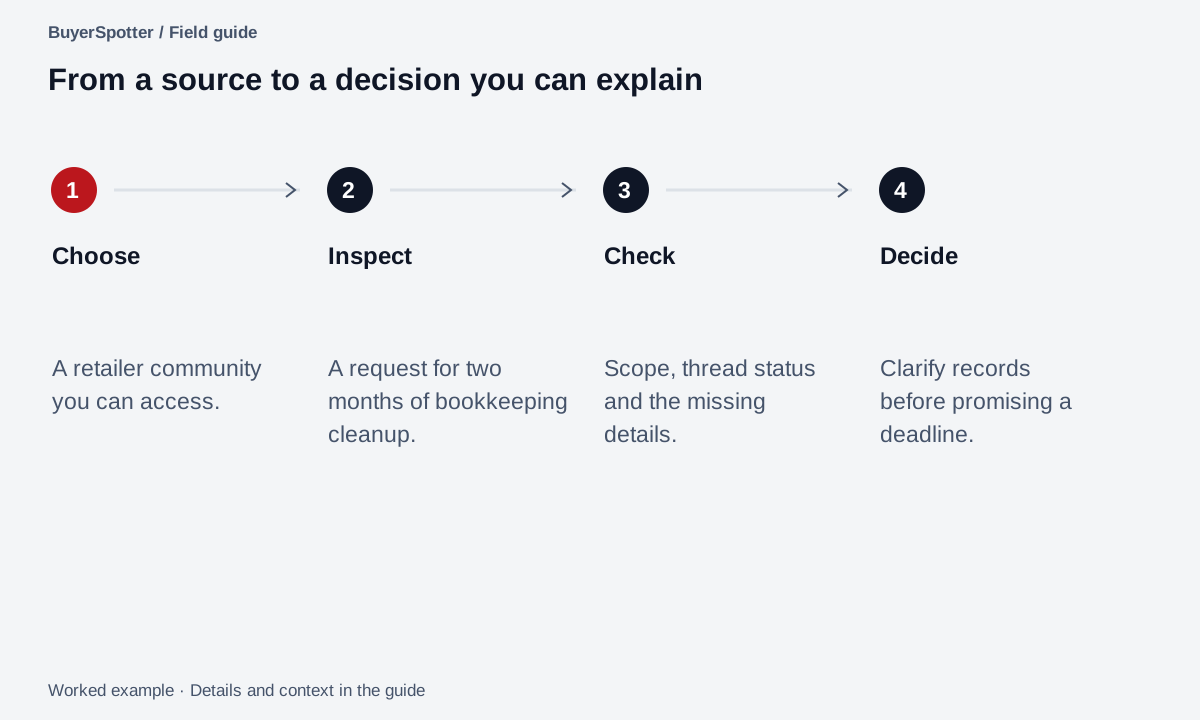
Read the example as text
- Choose
- A retailer community you can access.
- Inspect
- A request for two months of bookkeeping cleanup.
- Check
- Scope, thread status and the missing details.
- Decide
- Clarify records before promising a deadline.
Make your first definition easy to review
- Choose one offer and the buyer it serves.
- Write the request you would recognize as relevant.
- Select a few sources where that conversation belongs.
- Review the matches and keep a reason for each decision.
- Check whether the source contains useful requests you are missing.
Use what you learn to improve the definition. Expanding to every offer at once makes it harder to explain why the first results are weak.
Start with the source-selection exercise, then follow the first-week evaluation guide. Each step has an output you can inspect rather than an assumed lead count.
Separate source, detection, and review problems
When results disappoint, identify where the workflow failed before changing the market definition. This is a diagnostic practice you can use with a manual process or a monitoring tool.
Swipe sideways for more columns, if needed.
| Observation | Next check |
|---|---|
| The original source cannot be opened | Resolve normal account access before interpreting coverage |
| A source is configured but its review is incomplete | Inspect source status; configuration alone does not establish a finished scan |
| You can see a relevant request that did not appear | Record its date, source, and wording, then compare with the configured scope |
| Matches appear but fail the same fit requirement | Adjust the buyer or scope definition using the repeated failure reason |
The evidence needed differs at each step. Keep a missing-source problem separate from a weak-match problem; tightening a phrase cannot repair unavailable source access.
Know which part software should replace
Write down the repeated task you want to reduce. "Open six relevant feeds and look for the same kind of request" is specific enough to evaluate. "Find more customers" is too broad to tell whether a monitoring tool helped.
A request-monitoring workflow can reduce the repeated discovery and review work if it can access the sources you need and produces results you can inspect. It does not supply missing demand, decide whether your service is qualified, negotiate a price or deliver the work. Those responsibilities remain outside the discovery step.
Swipe sideways for more columns, if needed.
| Your situation | A sensible first action |
|---|---|
| You do not know where buyers ask | Run a source-selection review |
| One source takes little time and already works | Keep the manual process and document its output |
| You need newly surfaced public web results | Evaluate a topic alert against that task |
| You repeatedly inspect requests across chosen sources | Try a bounded monitoring evaluation using the same brief |
| Matches appear but most fail one requirement | Investigate the rejection reason before adding sources |
At the end of the evaluation, keep the source status, useful and unclear results, and review effort together. A product can be the wrong fit even when its demonstration looks good. An unavailable installation or incomplete scan is a reason to pause the evaluation, not to assume success.
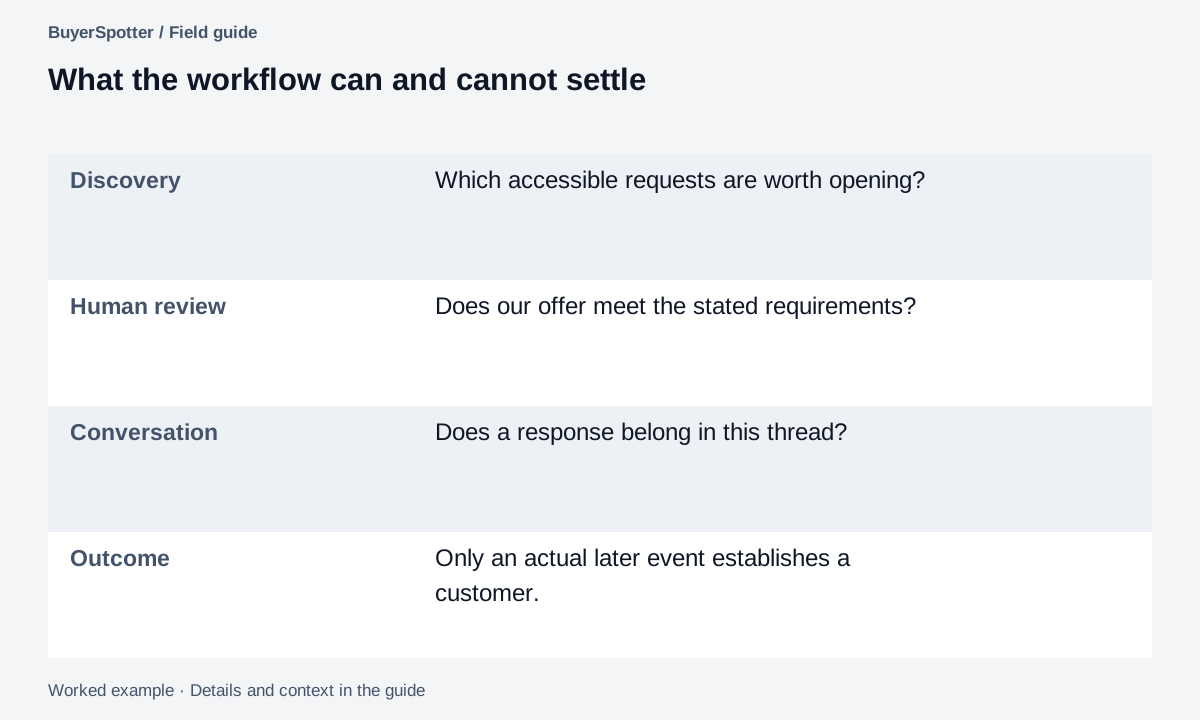
Read the example as text
- Discovery
- Which accessible requests are worth opening?
- Human review
- Does our offer meet the stated requirements?
- Conversation
- Does a response belong in this thread?
- Outcome
- Only an actual later event establishes a customer.
Copy your first monitoring brief
We help: [buyer]
With: [specific job or problem]
A useful request sounds like: [illustrative wording]
Required fit: [scope, market, area, or compatibility]
Sources to inspect: [links]
Evidence to retain: [words, date, source, match reason]
Review decision: [useful / unclear / irrelevant]
What we need to learn next: [one question]
Treat a match as a reason to inspect
A public request does not prove budget, authority, willingness to engage, or a future sale. A tool cannot make an unsuitable source productive or make a prohibited vendor response appropriate.
BuyerSpotter organizes requests from sources you choose and leaves responses to you. Its website demo uses labeled examples. Check installation availability on the product page and assess actual source behavior during setup rather than assuming continuous or complete coverage.
Local businesses can start with local buyer-intent keywords; agencies with the agency prospecting workflow.
Sources and method
Syften's buying-intent page, reviewed 6 September 2026, shows a vendor's request-focused approach using original posts and recommendation, alternative, and problem examples. It supports the existence of that product workflow, not a claim of industry-wide detection performance.
Our definition, evidence checklist, and diagnostic table are editorial guidance. BuyerSpotter product facts and installation availability are on the product page; the examples in this guide are illustrative.
Frequently asked questions
What is buyer-intent monitoring?
It is the practice of watching selected communities for posts that describe a plausible buying situation, then reviewing each one for fit before deciding whether to respond.
What is the difference between buyer-intent data and buyer-intent monitoring?
Intent data usually means aggregated signals about accounts. Community intent monitoring works with individual posts you can read, so you judge the request from its original wording.
Which platforms can BuyerSpotter monitor for buyer intent?
Facebook groups, Reddit, X (Twitter), LinkedIn and Nextdoor. It runs in desktop Chrome and checks sources only while Chrome is open.
Why am I getting no results from buyer-intent monitoring?
Check source access and scan completion first, then look for relevant requests you can see that did not match. Only then adjust phrases or scope.
Examples, sources and image method
Original worked examples and worksheets by BuyerSpotter. Requests and sample datasets are fictional. References are linked where used.