
Short answer
To find buyers on X (Twitter), search for request phrases such as "any recommendations for" or "looking for a" plus your category, filter to recent posts and read each thread. Keep the searches that surface real requests. To be alerted when new posts match, turn them into Twitter keyword alerts.
Let BuyerSpotter watch your groups and searches for you. 5-day trial, no card needed.
Add to ChromeKey takeaways
- Search for request language, such as "any recommendations for" or "looking for a", plus the job your product does.
- Keep recommendation, alternative and problem searches separate so each is easy to explain.
- X advanced search supports exact phrases, any words, excluded words, accounts and date ranges.
- X states that not all content appears in search, so results are a sample, not the whole market.
- BuyerSpotter runs your phrases as X searches through the account signed in to Chrome and alerts you to new matches.
Start with a question your buyer would ask
Write a short list of ordinary search phrases tied to your product's job. Keep recommendation requests separate from alternative requests and broad problem discussions. You should be able to explain why each search exists without reading a long expression.
For SaaS research, the requirement often matters more than the category: a workflow for external clients, a missing integration, or an export the team cannot produce. Include that language when it is part of your verified product fit.
Phrase ideas for local services are in local buyer-intent keywords; for software, see SaaS buying signals.
Build the search with fields you can inspect
X's advanced-search documentation describes exact phrases, any words, excluded words, accounts, and date ranges. Use those visible controls before building a query you cannot easily explain. Source reviewed 6 September 2026.
Example
A client-feedback software team starts with an exact phrase related to the workflow, adds request vocabulary in the appropriate word fields, and uses a recorded date range. It excludes a promotional term only after seeing it recur in irrelevant results.
Before narrowing further, test a relevant post with different wording. An exact phrase can remove useful requests as well as noise.
X's search rules state that not all content appears in search. Treat the output as the results available under that search, not a census of every relevant conversation. This is a platform limitation, not a measured comparison of monitoring products.

Read the thread before judging the post
Example
A team searches for "recommend a feedback tool" while evaluating demand for client-review software. One post asks for a tool clients can use without accounts; another quotes an old recommendation; a third promotes a newly launched product.
Only the first is clearly a request, and it still needs a compatibility check. Open the conversation, check the date, and read any clarification before treating it as useful.
Try three field-based searches for the same product job
Suppose you sell client-review software. Start with separate searches instead of combining every signal into one opaque expression. These recipes use the advanced-search field types described in the X documentation above; they are suggestions to test, not recorded results.
Swipe sideways for more columns, if needed.
| Search purpose | Fields to try | Why this search exists |
|---|---|---|
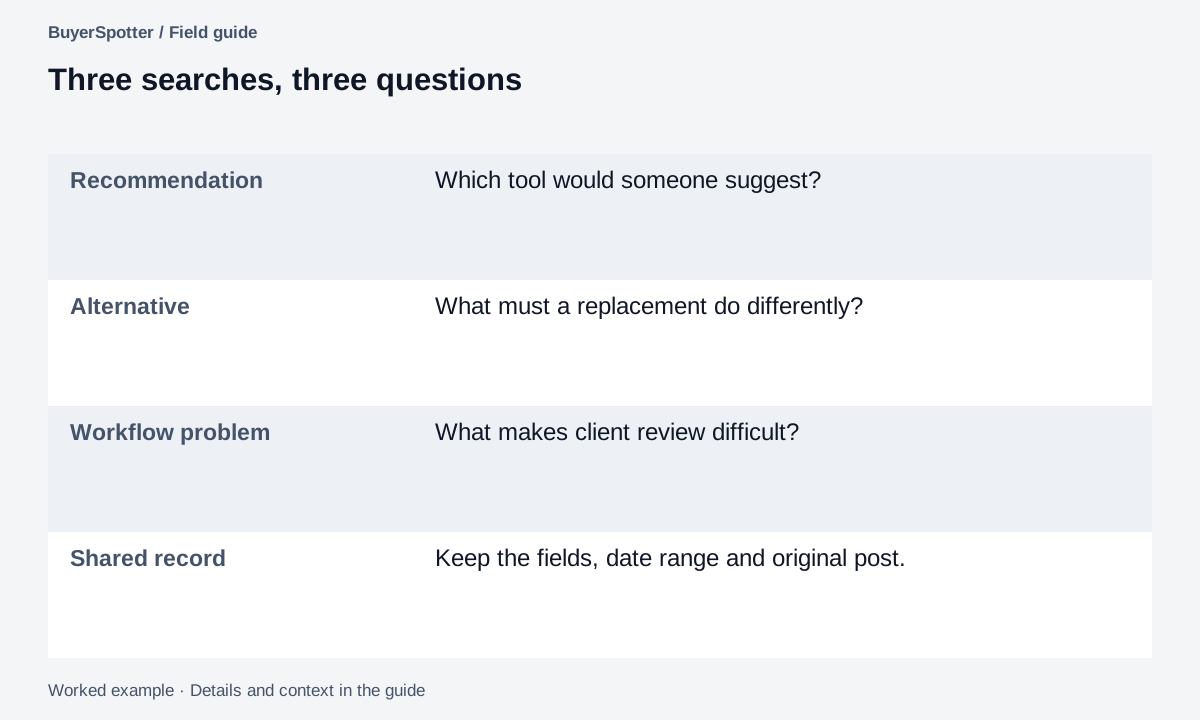
| Recommendation | Exact phrase: feedback tool. Any words: recommend looking suggestions. | Find people discussing a tool while using request language |
| Alternative | All words: the actual product name from your brief. Any words: alternative replace switching. | Inspect whether the author states a requirement for a replacement |
| Workflow problem | Exact phrase: client feedback. Any words: accounts login approval. | Find a compatibility problem even when no category name appears |
For each recipe, choose and record the date range in the available date controls. Leave exclusions empty initially. Add an exclusion only after reviewing a repeated mismatch and checking that useful wording survives.
The third recipe will include discussions that are not buying requests. That is expected: it explores problem language. Keep those observations as research until the original thread establishes a request your product could address. Use the replacement checklist for the alternative search.
Read the example as text
- Recommendation
- Which tool would someone suggest?
- Alternative
- What must a replacement do differently?
- Workflow problem
- What makes client review difficult?
- Shared record
- Keep the fields, date range and original post.
Give each search a small test
- Record the phrase and advanced-search fields you used.
- Review a consistent sample of visible results.
- Separate requests, promotions, unrelated uses, and unclear cases.
- Write one specific reason for each weak match.
- Change one field and repeat the review.
This sampling procedure is our suggested practice. Keep the account context and dates with your notes so a later review does not silently use a different scope.
Draft variations with the phrase builder, then apply only the operators supported by X. If generic mentions dominate, use the noise-reduction exercise to identify which constraint is missing.
Check a useful result and a near miss before narrowing
Worked example
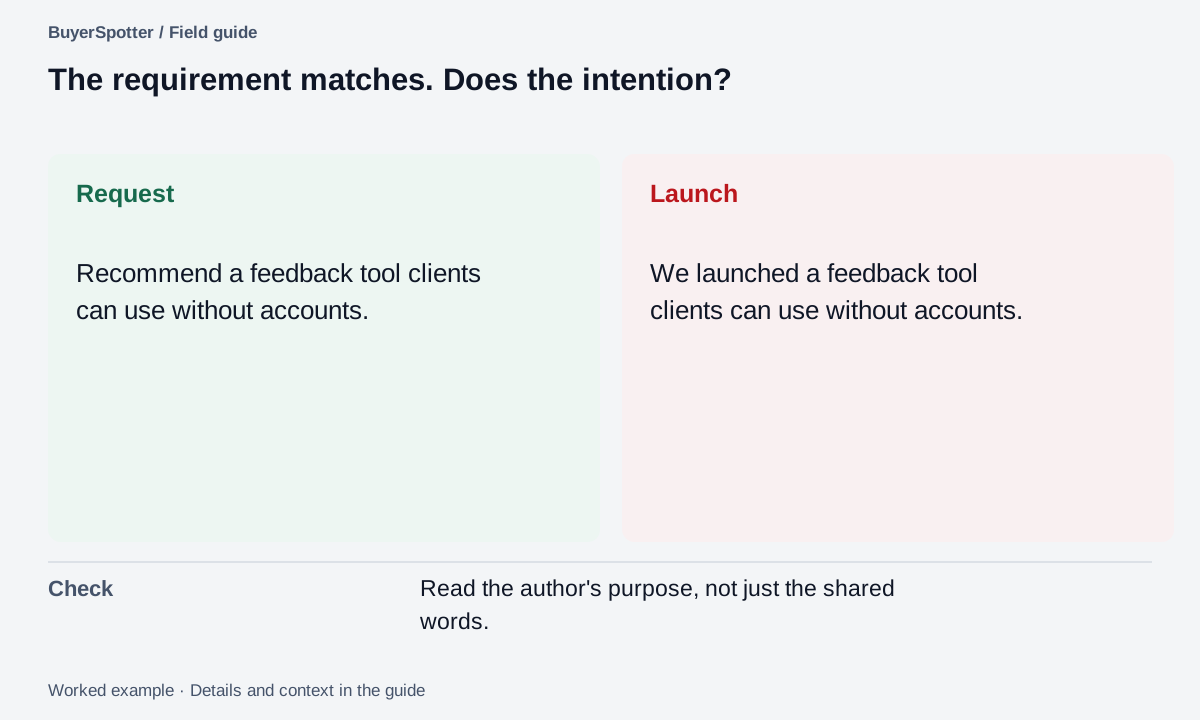
Useful candidate: "Can anyone recommend a feedback tool our clients can use without creating accounts?" The author names the workflow and a requirement. Check that your product actually supports the requested client experience.
Near miss: "We launched a feedback tool that clients can use without accounts." The wording matches the category and requirement, but the author is selling a product.
Unclear: "Remember when we needed a feedback tool without accounts?" Open the conversation and check the date and context before treating a historical statement as current demand.
A filled search note for the first case would record the plain phrase, exact advanced fields used, the date range, original post and the no-account requirement. Its next step is a compatibility check, not an automatic pitch.
If an exact phrase returns little, test the component words in another search and compare the kinds of results. If that produces too much promotion, revise one request term at a time. Keep the known useful example visible during the change so you do not optimize only for a quiet result page.
An empty search is not proof that no one needs the product. X's documented search limits, the terms used and the review period all affect what is visible. Record access failures separately from a completed review with no useful results. For the same task on another platform, see the LinkedIn search notebook; for a tool comparison, begin with the required-source checklist.
Read the example as text
- Request
- Recommend a feedback tool clients can use without accounts.
- Launch
- We launched a feedback tool clients can use without accounts.
- Check
- Read the author's purpose, not just the shared words.
Copy an X search notebook
Product job: [specific workflow]
Plain search phrase: [buyer language]
Advanced fields used: [exact / any / excluded words]
Account or date restrictions: [record actual settings]
Signal type: [recommendation / alternative / problem]
Review date and account context: [record]
Useful result: [link and reason]
Unhelpful result: [link and reason]
Thread checked: [yes / no]
One phrase adjustment: [change]
Requirement our product must meet: [verify]
A search is a sample, not the whole market
Visible search results cannot establish how many people in the market need your product. Sparse results may reflect vocabulary, source activity, or what is available to your account.
Do not turn a broad complaint into a personalized claim about the author. When you respond, disclose your connection to the product and address the stated requirement. BuyerSpotter leaves that response under your control.
Frequently asked questions
How do I find people on X (Twitter) looking for a product like mine?
Search for a request phrase plus your product's job, filter to recent posts and read each thread. Keep the searches that return real requests and drop the ones that return promotions.
What should I exclude from X buyer-intent searches?
Add an excluded word only after it keeps appearing in irrelevant results, such as a promotional term. Test a relevant post with different wording first so the exclusion does not remove it.
Does X search show every matching post?
No. X says not all content appears in search, so treat results as what is available to that search and account.
Can I get alerts for new X posts that match a search?
Yes. BuyerSpotter's Twitter keyword alerts run your phrases through your signed-in X account and send a desktop, Telegram or webhook alert on a match.
Examples, sources and image method
Original worked examples and worksheets by BuyerSpotter. Requests and sample datasets are fictional. References are linked where used.